What's Included in Audio Post-Production for Video
Audio post-production makes sure your video sounds as professional as it looks. It’s one part of the broader video post-production services process, involving cleaning up dialogue, removing background noise, syncing music and sound effects, and mastering the final mix so your message is clear on any device, whether it’s a phone, laptop, or meeting-room speaker.
In this guide, we’ll walk through what’s typically included in audio post, when and why to add voiceover, what you’ll need to provide before the process begins, and what you’ll get in return. For a wider view of what post-production covers beyond sound, see our guide to post-production in Singapore. Whether you’re producing a brand film, training video, or product demo, understanding these steps will help keep your project smooth, on time, and sounding great.
What Is Audio Post-Production?

Audio post-production is the process of turning raw sound into a polished, balanced soundtrack. It begins once your video edit is final, a point known as “edit lock,” and involves three main stages:
- Audio editing: cleaning dialogue, syncing sound, and building the audio timeline.
- Mixing: balancing speech, music, and sound effects so the message is clear and the emotional tone lands.
- Mastering: preparing the audio for delivery by adjusting loudness and peak levels so it plays smoothly across different platforms and devices.
Getting to edit lock before starting audio post is important. Even small changes to the video can disrupt the sync or require remixing.
What’s Typically Included in Audio Post-Production
Now that we know when audio post kicks in, let’s look at what it includes in more detail. The aim is simple: keep speech clear, make the music and effects support the story, and ensure everything sounds consistent.
The work typically involves:
- Cleaning dialogue by removing noise, hums, and harsh tones.
- Syncing external audio to the video and ensuring smooth transitions between cuts.
- Integrating music to match the visuals and adjusting it to sit well under speech.
- Adding sound design elements, such as impacts or ambience, that enhance realism or energy.
- Mixing and mastering to ensure final output meets platform specs and sounds good everywhere.
This foundation helps create an immersive audio experience that enhances your video without distracting from it.
When to Add Voiceover in Audio Post-Production
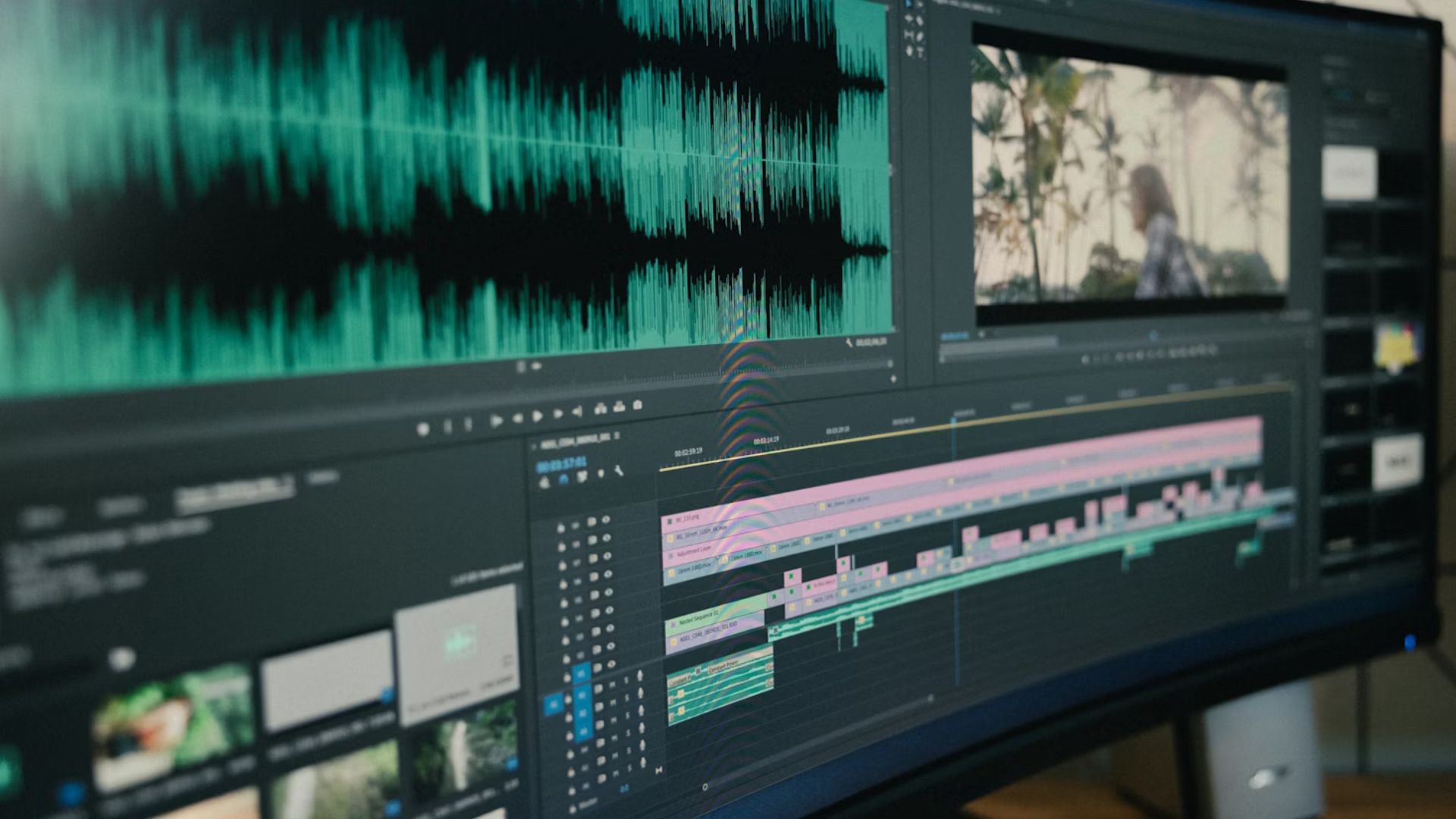
In some cases, adding a voiceover (VO) can help clarify your message, keep the tone consistent, or support multilingual versions. This is especially common in explainer videos, product demos, and corporate communications.
A typical voiceover workflow involves preparing a final script, selecting the right voice talent, directing the performance, and editing the recording for timing and clarity. Once edited, the voiceover is mixed into the soundtrack so it blends naturally with music and effects.
Voiceover isn’t always essential, but when used well, it adds a layer of polish and professionalism.
What You Need to Provide
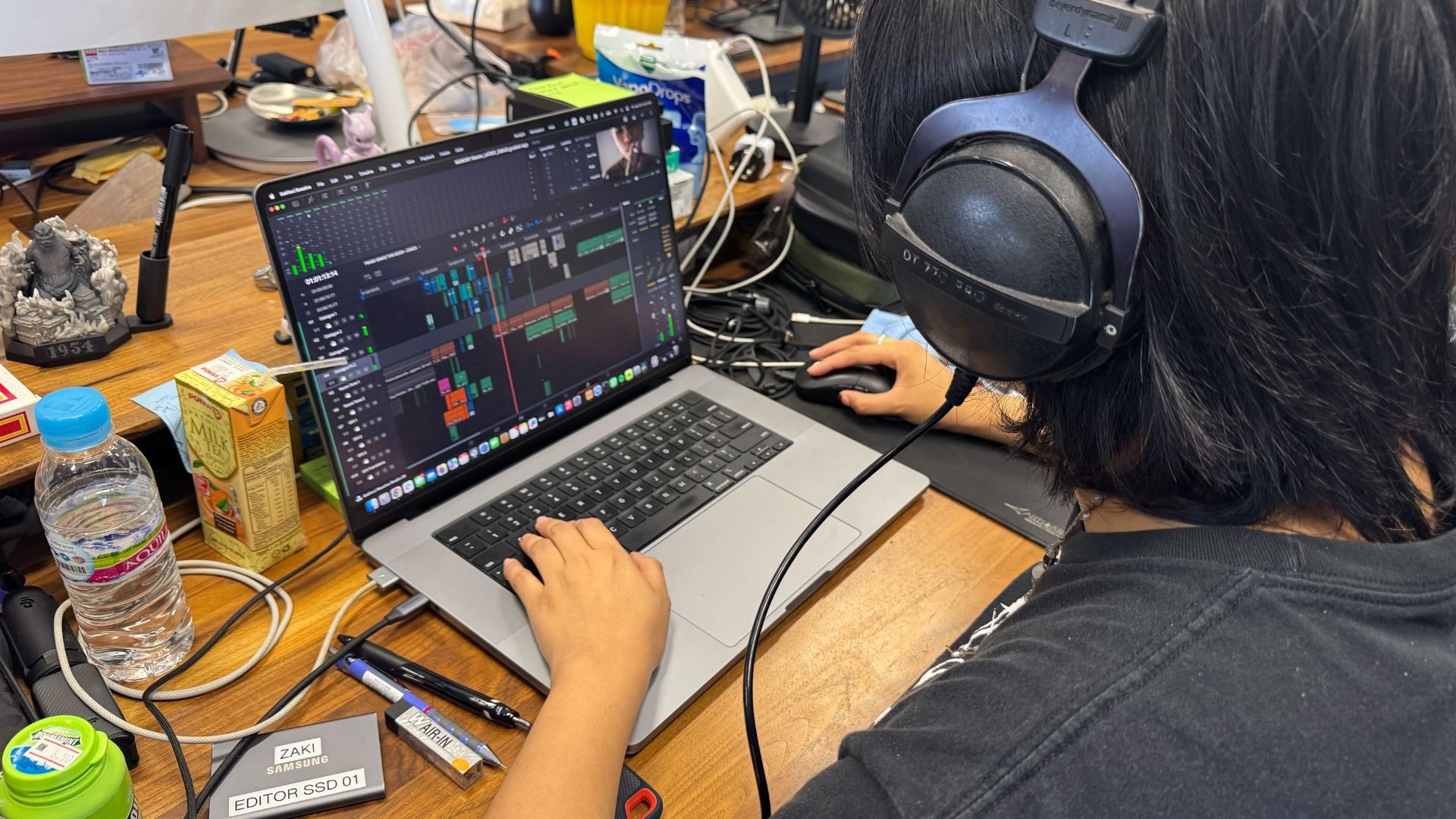
To avoid delays and ensure the best results, it’s important to start with the right materials. A clean, organised handover helps the audio team focus on creative sound work rather than troubleshooting.
Here’s what to have ready:
- A picture-locked video with timecode and any edit notes.
- The original audio files from both camera and any external mics (like lavaliers or boom mics).
- Project notes, including speaker names, time-stamped issues (e.g., "buzz at 00:42"), and any must-keep lines.
- If using voiceover: the final script, tone direction, pronunciation guide, and language versions.
- Music and SFX references, such as sample videos or audio clips.
- Info on where the final video will be used, so audio rights and format match (e.g., social, ads, internal).
Providing these assets upfront means less back-and-forth and a faster turnaround.
What You’ll Receive from Audio Post-Production
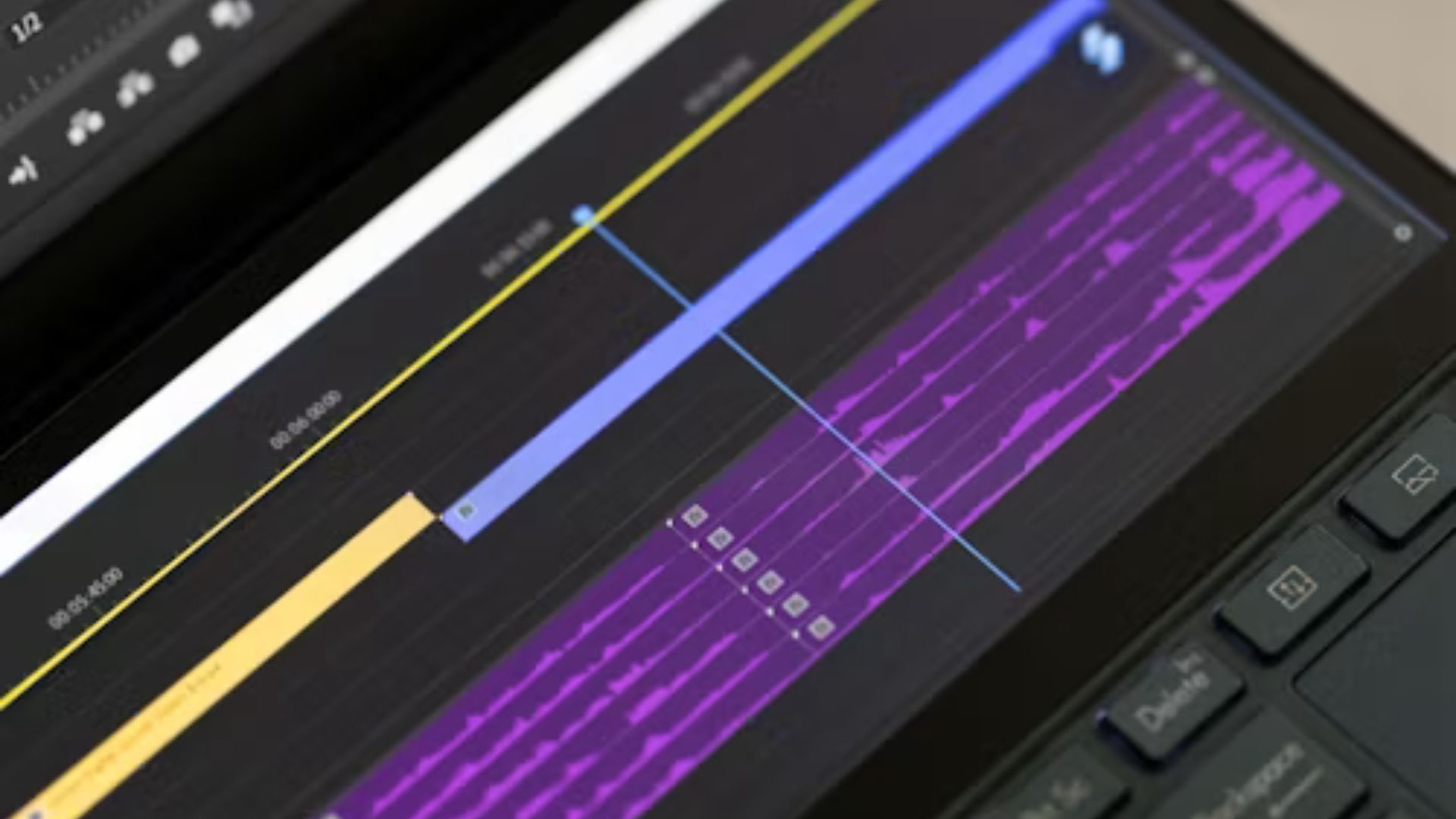
Once audio post is complete, you’ll receive a polished, platform-ready mix. Depending on your project needs, you can also request additional versions to give your team editing flexibility in the future.
Standard deliverables include a final mix (embedded in the video or as a separate audio master) and tailored versions for different aspect ratios like 16:9, 9:16, or 1:1. You can also request alternate mixes, for example, versions without music or voiceover, as well as audio stems (separate files for dialogue, music, and sound effects).
If needed, your audio partner can provide a short mix report with loudness targets and any issues flagged during the process, such as unavoidable room noise or echo.
What Affects Timeline and Cost in Audio Post-Production?
Understanding what drives timelines and costs can help you plan and budget more effectively. In general, the cleaner your original audio and the more organised your materials, the smoother things will go.
Key factors include:
- Audio quality: Background noise, echo, or mic issues can slow things down.
- Video length: More runtime means more mixing, reviewing, and QC.
- Number of speakers or locations: More variation means more audio matching and balancing.
- Voiceover work: Casting, recording, and edits all add time, especially with approvals.
- Music and SFX: Licensing music or designing custom sounds increases scope.
- Revision cycles: Clear, timely feedback helps; late picture changes often require rework.
To keep your audio post on schedule, aim to lock the picture early and share clear references and notes with your team.
Working with Epitome Collective

At Epitome Collective, we handle end-to-end audio post-production for video. From cleaning up dialogue and reducing noise to designing soundscapes and mixing final masters, we make sure your video sounds as good as it looks.